
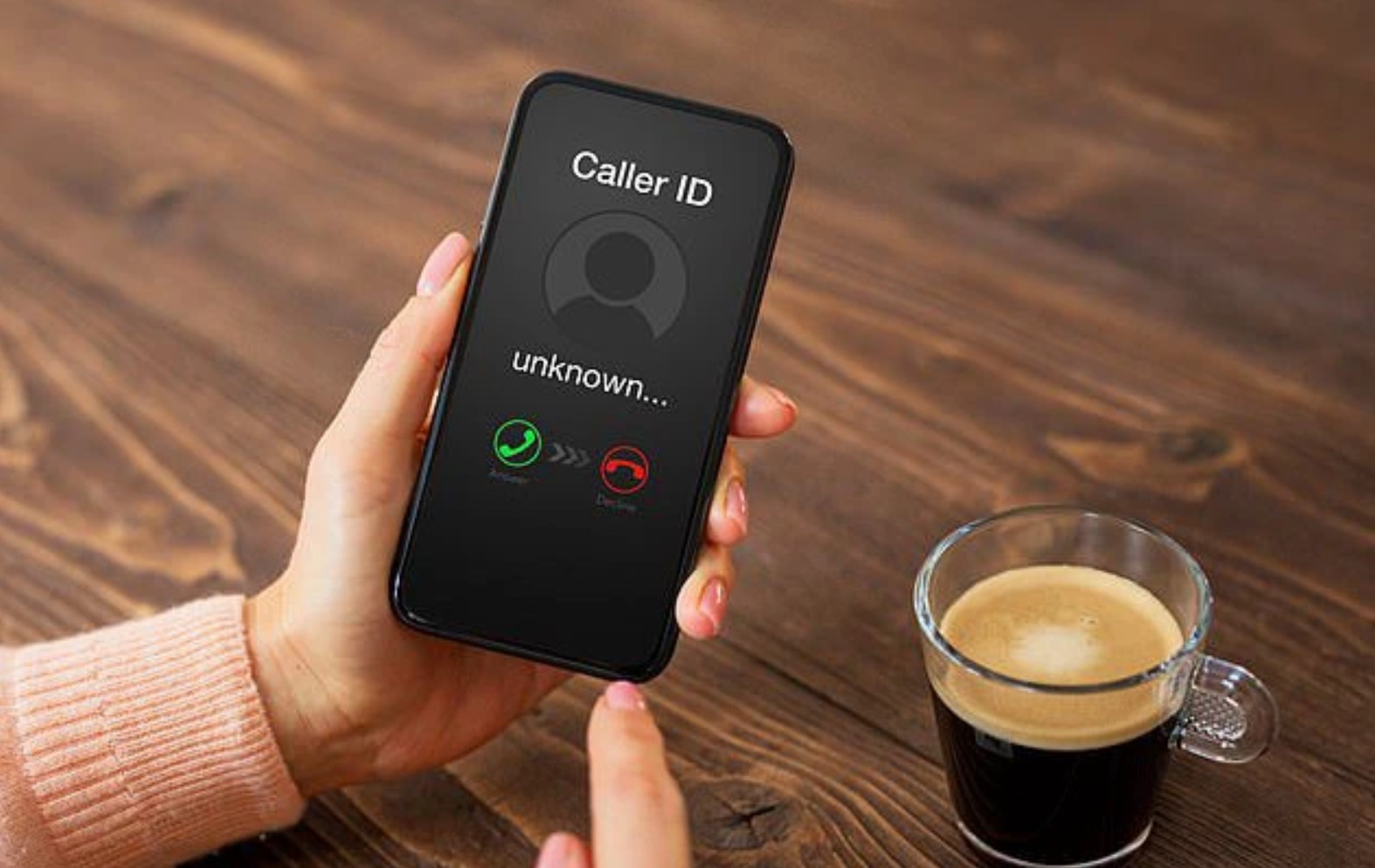
Do you feel anxious when you receive a call or message from an unfamiliar number? You no longer have to send an awkward message asking who it is or search for the number on Google.
There are ways to find out who the caller is. TikToker Liz Perez recently shared a video explaining how to handle calls from unknown numbers.
The process is simple: If you receive a message from an unknown number, you can use payment apps like Venmo, Cash App, Zelle, or PayPal to identify the sender. Just copy and paste the number into your preferred payment app to reveal the person’s identity.
However, this only works if you already have an account with one of those apps, and the sender has to use their real name and number in the app, too.
Then there’s the flip side. What if you don’t want your name and phone number to be so readily available?
Be sure to disable your mobile payment app from sharing your name and phone number with other people. The steps vary per app. For example, in Venmo, open Settings, Friends and Social and toggle off Phone contacts.
However, there are also settings in iPhone and Android phones that can figure this out.
Here is DailyMail.com’s step-by-step guide to revealing mystery callers.
What about blocked numbers?
Maybe you remember from your pranking years: Dialing *67 conceals your number from someone you call. There are similar numbers you can dial to respond to mystery callers.
The first is *69, which traces the number of the last person who called you. It works even for anonymous or hidden calls, so you can get the phone number and exact time they called.
Once you have that number, you can block it on your phone so they can’t call you anymore.
In more dangerous circumstances, such as harassment, another number you can use is *57.
It gets you the phone number and call information that *69 does, but it goes above and beyond by passing that info on to the police.
Your phone service will log a *57 call so authorities can more easily locate whoever is harassing you.
To get the most out of this, call the police right after a *57 call with a written log of the calls from your harasser so law enforcement can act.
Your phone company might charge you extra for these calls, so it’s worth checking your plan to see if it supports the shortcuts.
‘I just want it to stop’
If you have an iPhone, you can take a more extreme step and automatically block numbers that aren’t on your Contacts list using Silence Unknown Callers.
Calls from numbers not in your Contacts will still go to your voicemail and appear in your recent calls list, but your phone won’t ring for them. Follow these steps to turn it on:
● Go to Settings, then Phone.
● Scroll down to Silence Unknown Callers. Slide the toggle to the right to enable the feature.
If you have a Samsung Galaxy:
● Open the Phone app and tap the More icon (three vertical dots) at the bottom of the screen.
● Tap Settings, then Call blocking.
● Turn the Block anonymous calls switch to on.
Keep in mind that if you send calls not in your contacts directly to voicemail, there are downsides. You will miss important phone calls, say from your doctor or child’s teacher.
Using a different phone? Search your phone’s model name and “call blocking” for directions if you need them.
About Kim Komando
Sound like a tech pro, even if you’re not! Award-winning popular host Kim Komando is your secret weapon.
Listen on 425+ radio stations or get the podcast. And join over 500,000 people who call her free 5-minute daily email newsletter.
Use a (virtual) burner
Giving away your real number to anyone and everyone is always a mistake. Think about all the accounts your phone number is attached to. Scary stuff.
Google Voice gives you a free phone number to use however you like for domestic and international phone calls, texts, and voicemails. All you need is a Google account to get started.
Here are steps for doing this:
● Download the app for iOS or Android or go to voice.google.com/u/0/signup to get it for your computer.
● Next, sign into your Google account.
● Review the terms and proceed to the next step.
● Choose a phone number from the list. You can search by city or area code.
● Verify the number and enter a phone number to link to your Voice account.
● You’ll get a six-digit code to enter for the next step.
Another option is downloading a burner app. These give you a second phone number and use your internet data or Wi-Fi to make and receive calls and texts.
Burner is one of the most popular apps of this kind. You can route calls directly to your secondary number. The app comes with a seven-day free trial, and plans start at $4.99 monthly for one line.
Hushed lets you create numbers from around the world, so you can go outside your area code or the country if needed.
A prepaid plan starts at $2.99 for seven days and comes with bundled minutes for local calls and texts. You can step up to unlimited talk and text ($4.99 per month) and international service ($6.99 per month).
Sound like a tech pro, even if you’re not! Award-winning popular host Kim Komando is your secret weapon.