
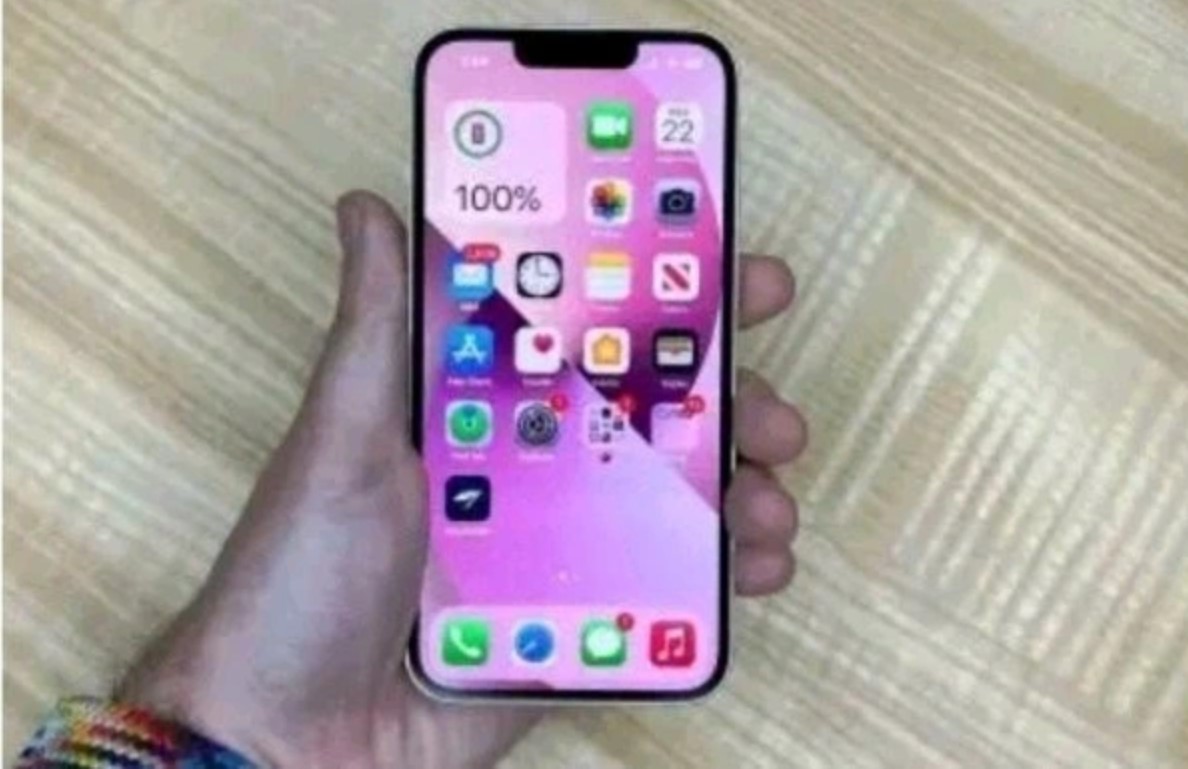
It’s important to note that checking the authenticity of a phone by dialling a code may not always be foolproof, and the effectiveness of such codes can vary between phone models and brands. One commonly used code is *#06# to check the IMEI (International Mobile Equipment Identity) number. Each phone has a unique IMEI, and you can verify it against the one listed on the device’s packaging or in the settings menu.
However, while this method can provide some assurance, it’s not a comprehensive solution. Sophisticated counterfeiters can clone IMEI numbers or manipulate software to display false information. Therefore, relying solely on a single code may not guarantee the detection of a fake phone.
To enhance the verification process, consider additional steps:
1. **Check the Packaging:** Examine the phone’s packaging for inconsistencies, such as typos, blurry logos, or missing information. Authentic phones typically have high-quality packaging.
2. **Verify Physical Features:** Inspect the build quality, logos, and placement of buttons. Counterfeit phones may have noticeable differences in craftsmanship.
3. **Compare Specifications:** Check the phone’s specifications, such as camera resolution, storage capacity, and display type, against the official specifications from the manufacturer.
4. **Use Manufacturer’s Tools:** Some manufacturers provide online tools or apps to verify the authenticity of their products. Visit the official website or contact customer support for guidance.
5. **Buy from Authorized Retailers:** Purchase phones from authorized dealers or reputable retailers to reduce the risk of getting a fake device.
Remember that these steps complement each other, and a combination of methods offers a more reliable check. Always exercise caution when buying phones from unofficial sources or at significantly lower prices, as these may increase the likelihood of encountering counterfeit devices