
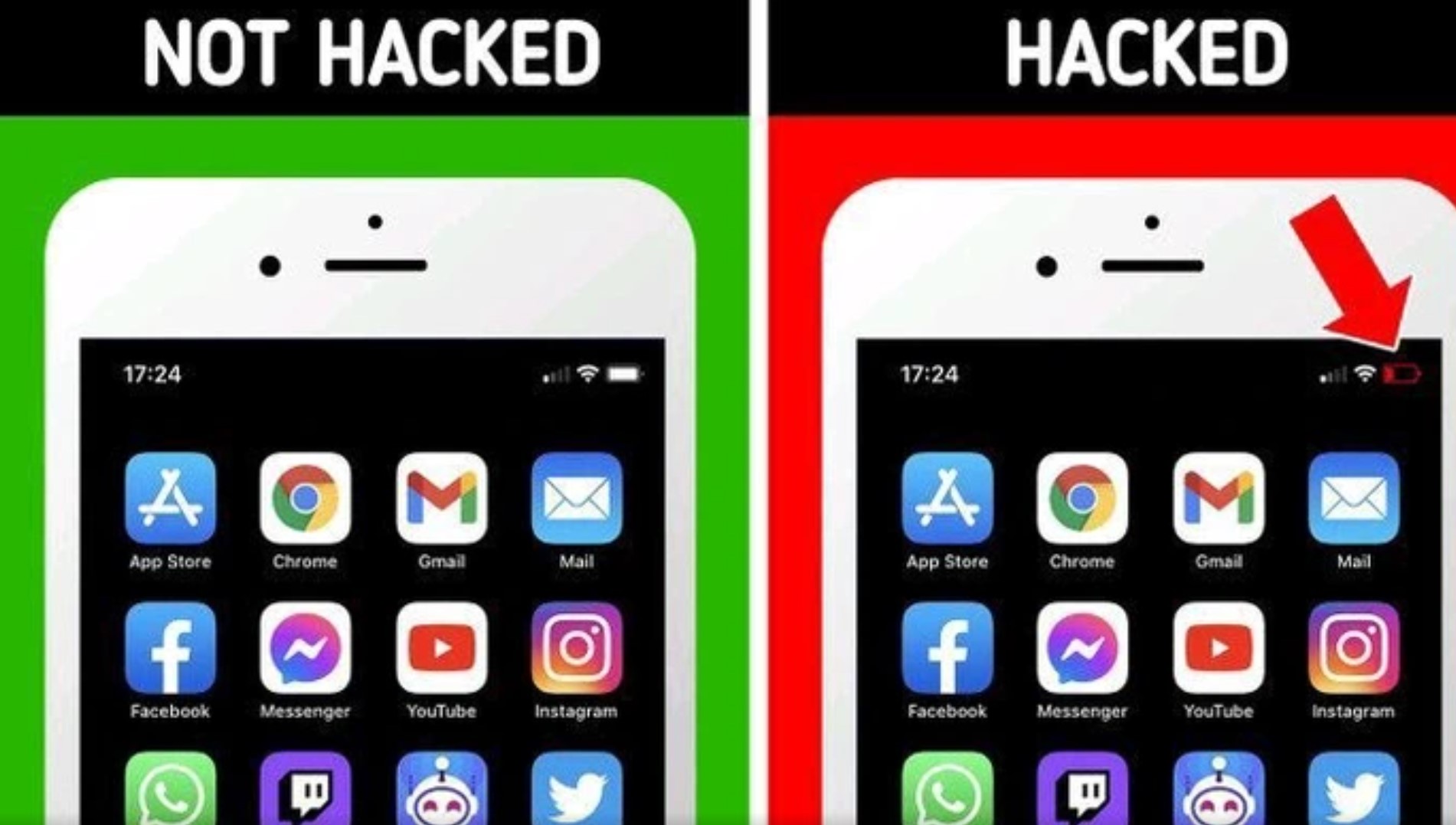
Mobile phones have become an indispensable part of our lives, storing a wealth of personal information. Unfortunately, they’re also prime targets for hackers. Here are seven signs that may indicate your phone has been compromised:
1. **Unexplained Data Usage**: If you notice a sudden increase in data usage despite not changing your usage patterns, it could be a sign that malware is running in the background, consuming data for malicious purposes like sending information to the hacker.
2. **Battery Drain**: Malicious software can drain your phone’s battery quickly by running processes in the background. If you find your battery life diminishing unusually fast, it might be due to malware activity.
3. **Slow Performance**: Has your phone suddenly become sluggish, with apps taking longer to open or respond? Malware can consume CPU and memory resources, leading to decreased performance.
4. **Unknown Apps or Settings**: Check your phone for any unfamiliar apps or settings that you didn’t install or change. Hackers may install spyware or other malicious apps to gain access to your data.
5. **Pop-Up Ads**: An influx of intrusive pop-up ads, especially when you’re not using a browser or specific app known for ads, could indicate malware infection. These ads may also lead to phishing sites or further malware downloads.
6. **Unexplained Calls or Texts**: If you notice calls or texts in your phone log that you didn’t make or send, it could mean that someone else is using your phone remotely.
7. **Overheating**: Malware can cause your phone to overheat as it runs intensive processes in the background. If your phone feels unusually hot, even when you’re not using it much, it’s worth investigating.
If you suspect your phone has been hacked, take immediate action to protect your data. This includes running a reputable antivirus scan, resetting your phone to factory settings, updating all apps and the operating system, and changing your passwords. Additionally, consider enabling two-factor authentication for added security. Lastly, be cautious about downloading apps or clicking on links from unknown sources to prevent future hacks.